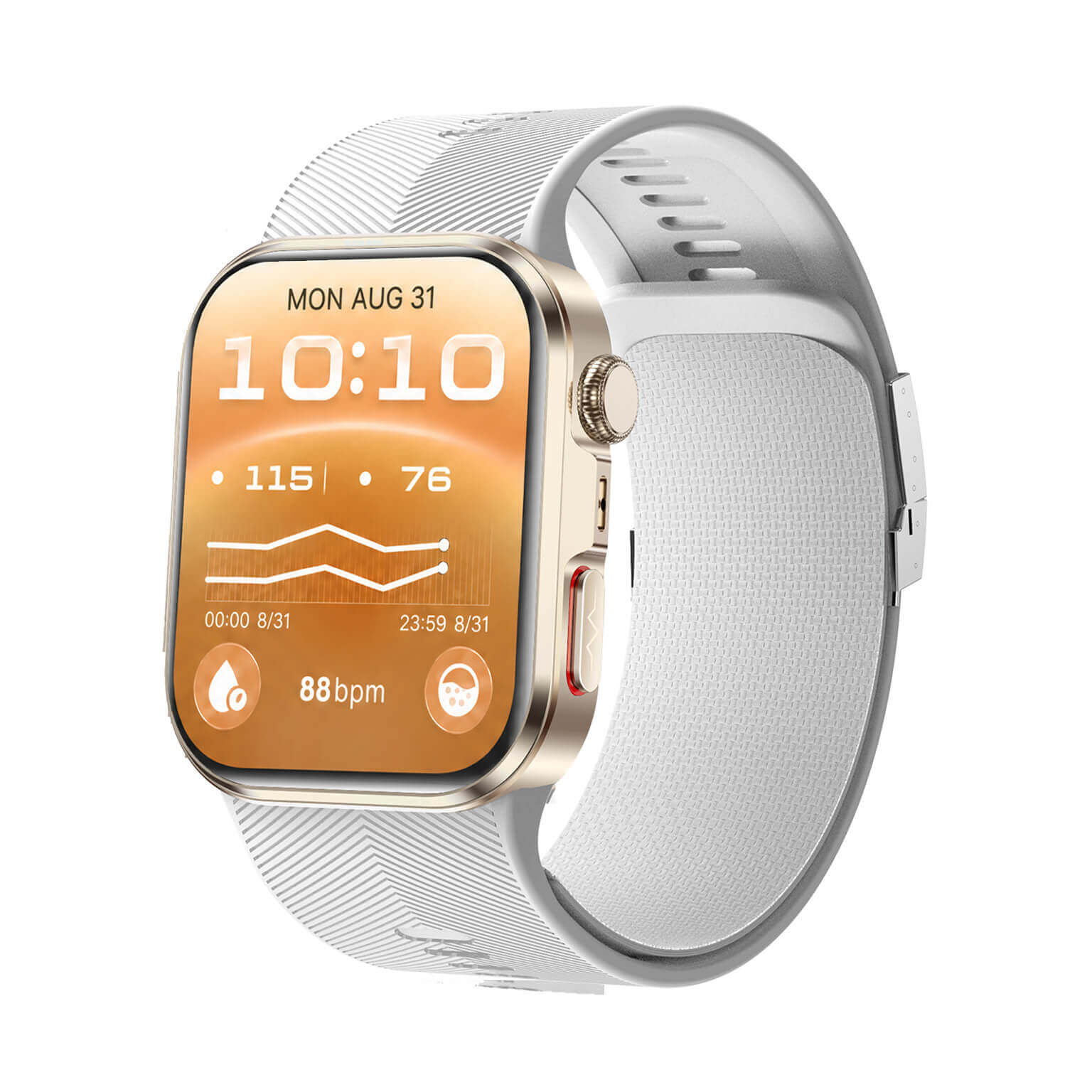
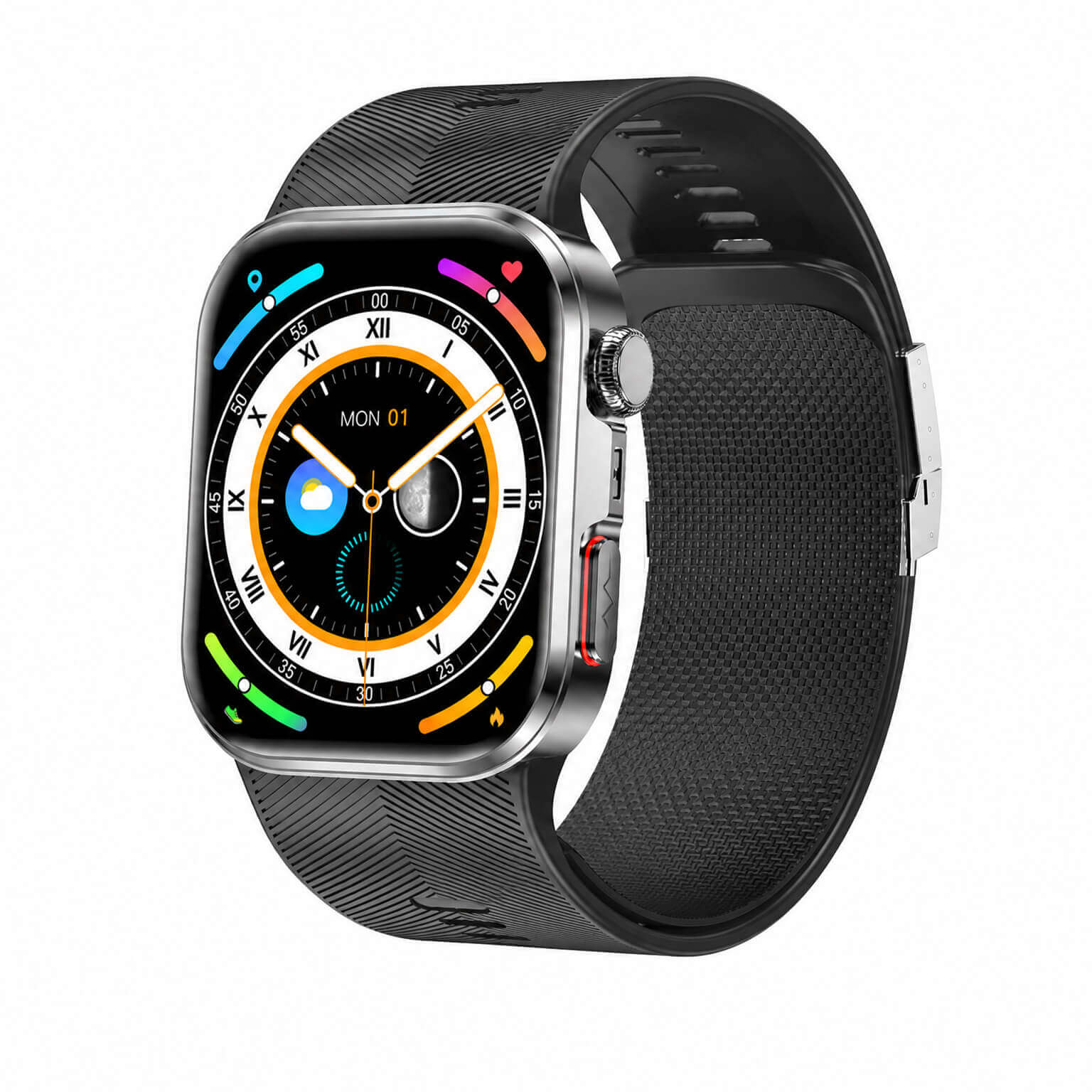
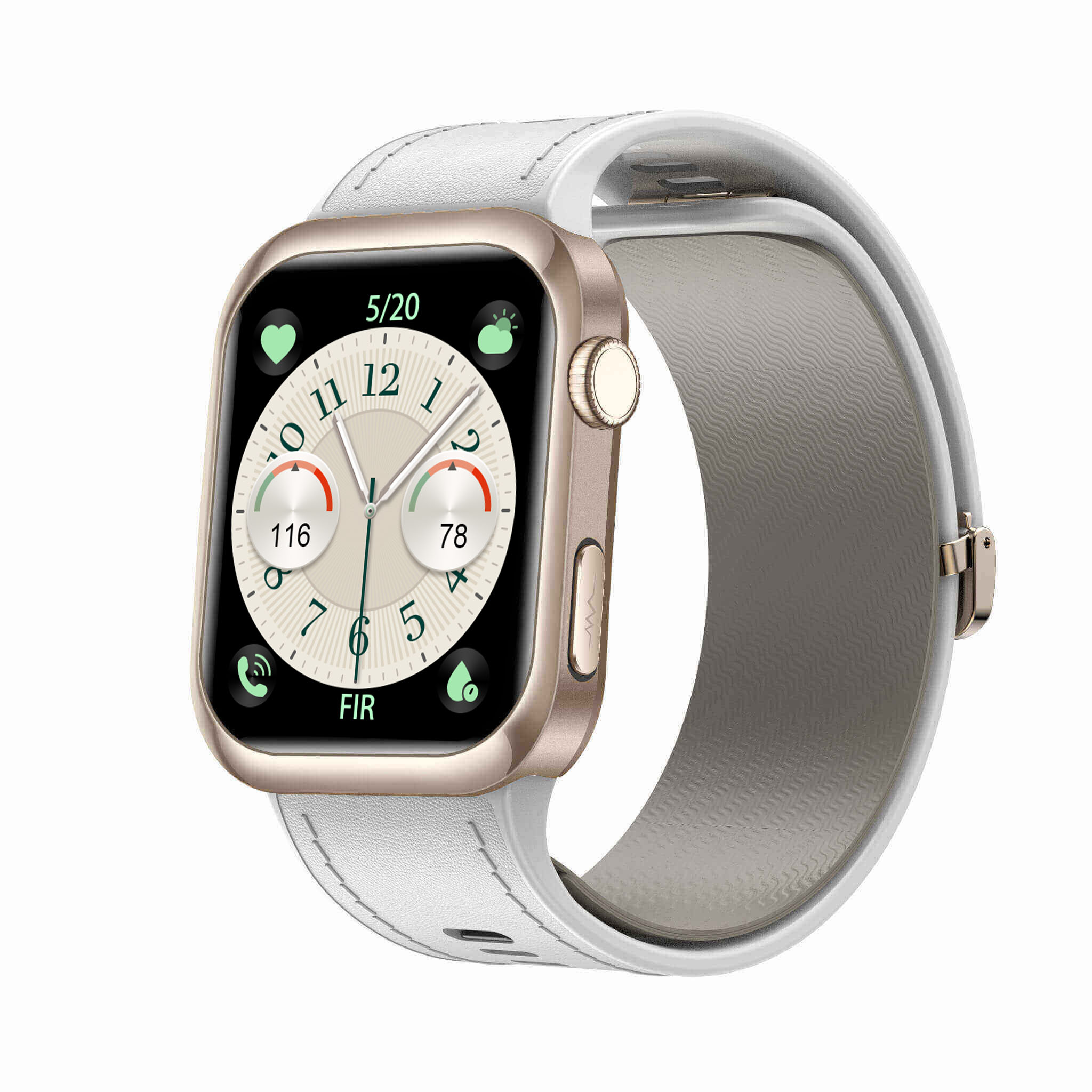
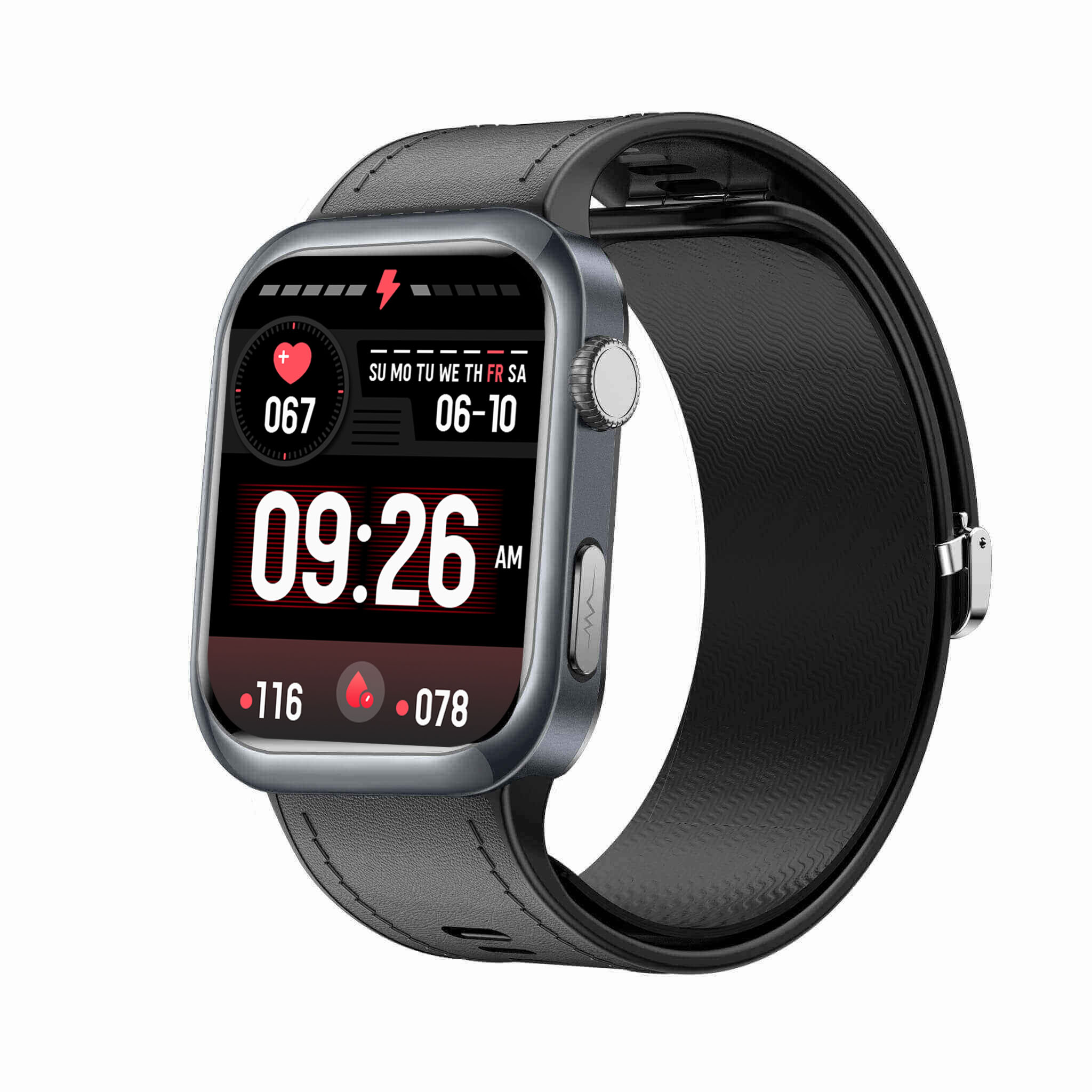
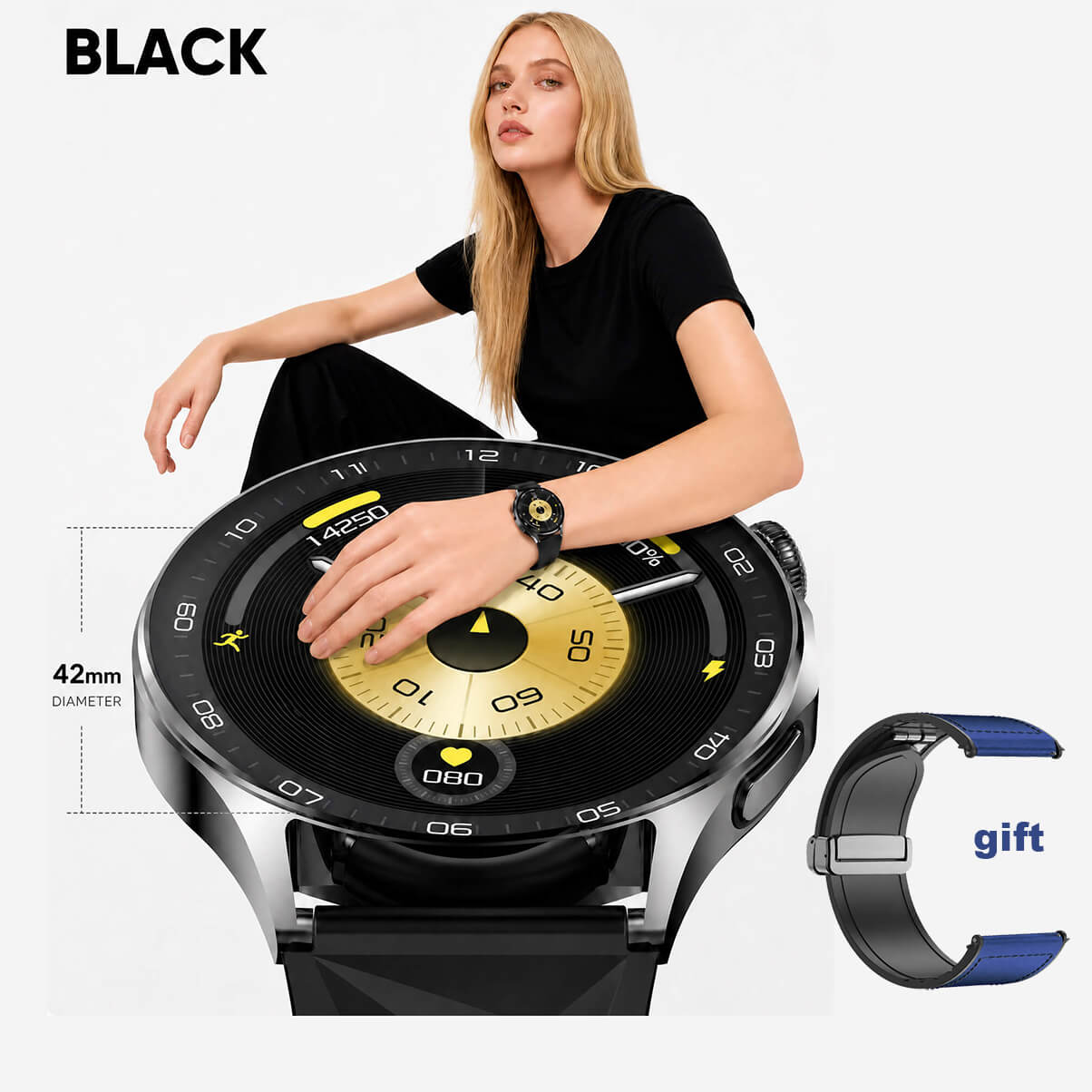
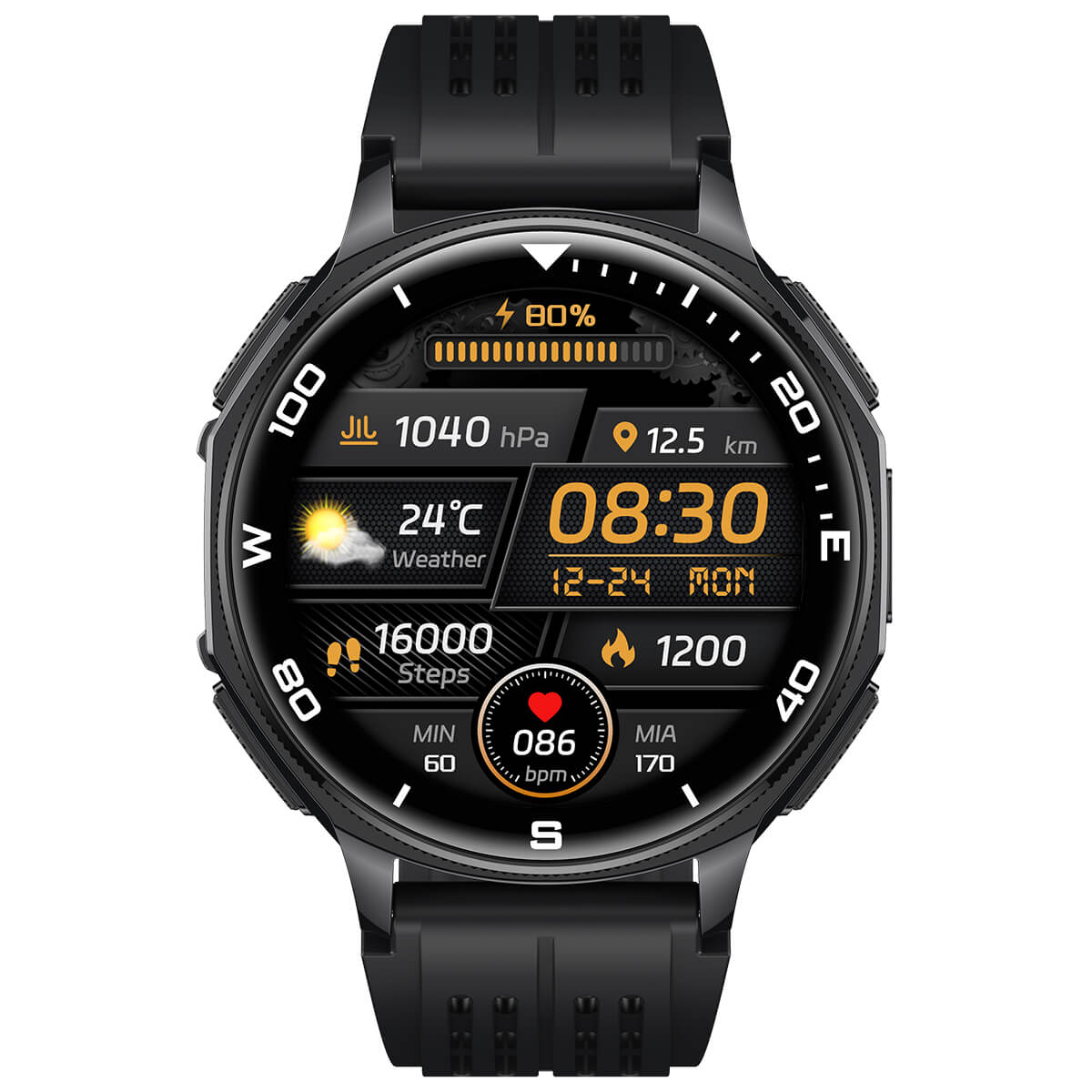
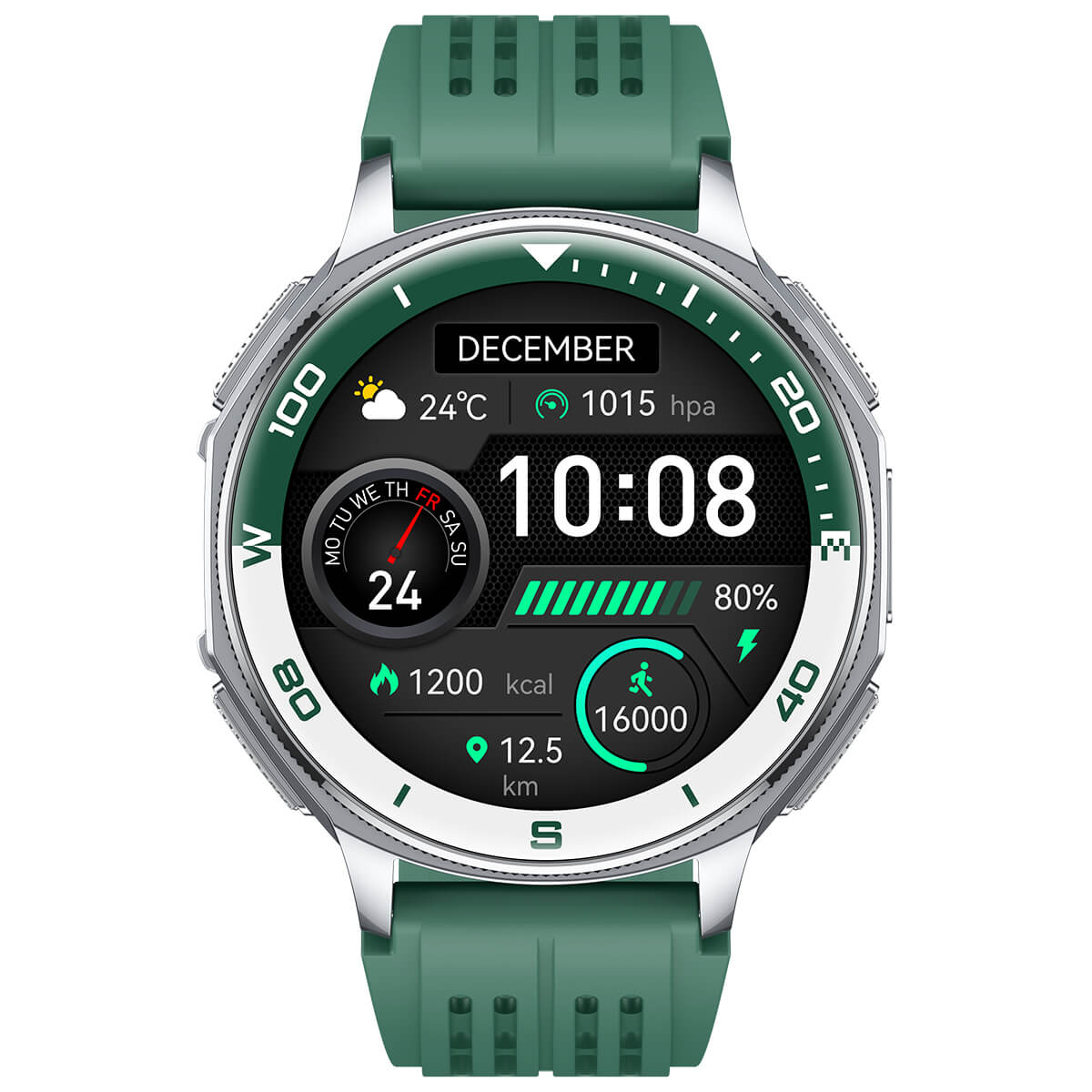
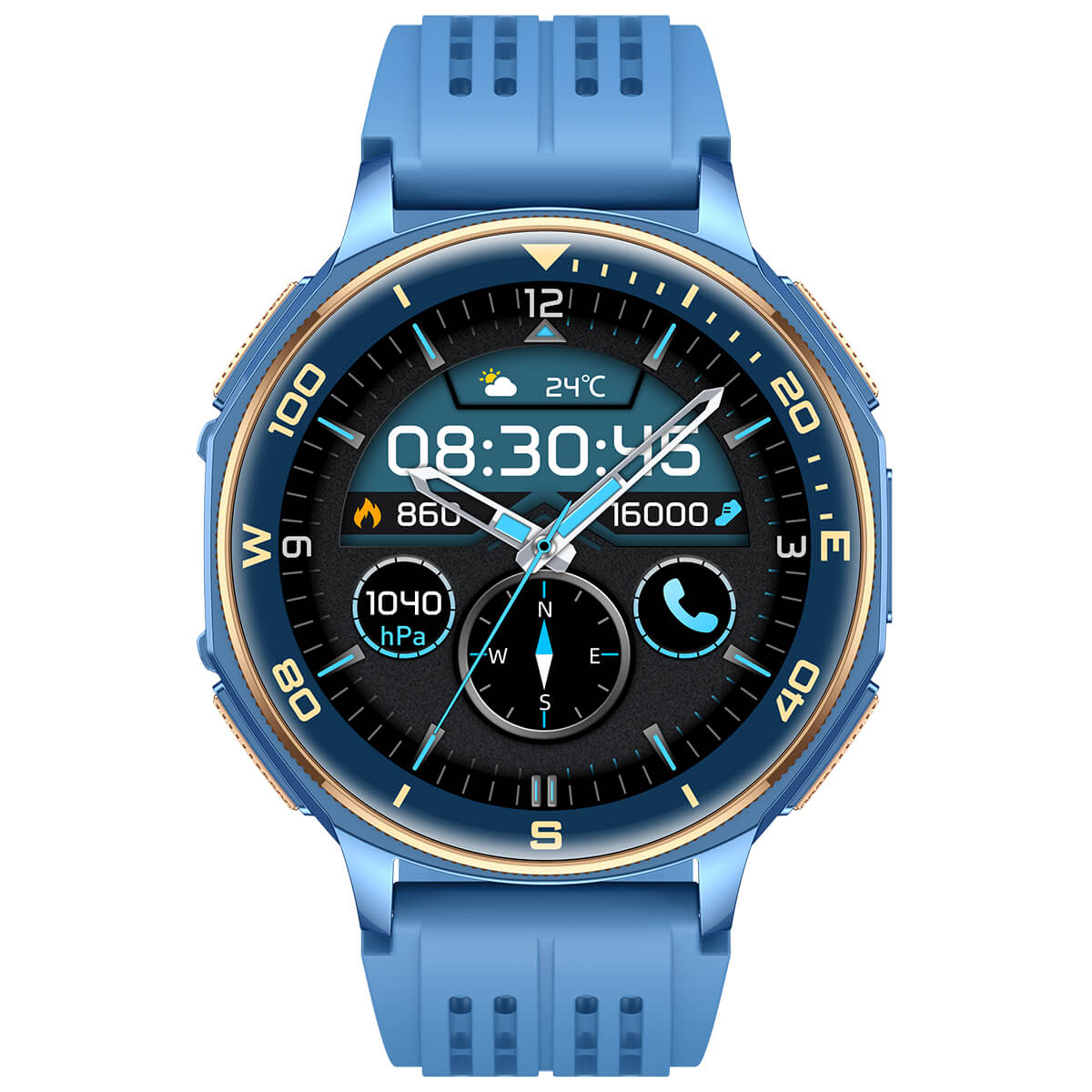
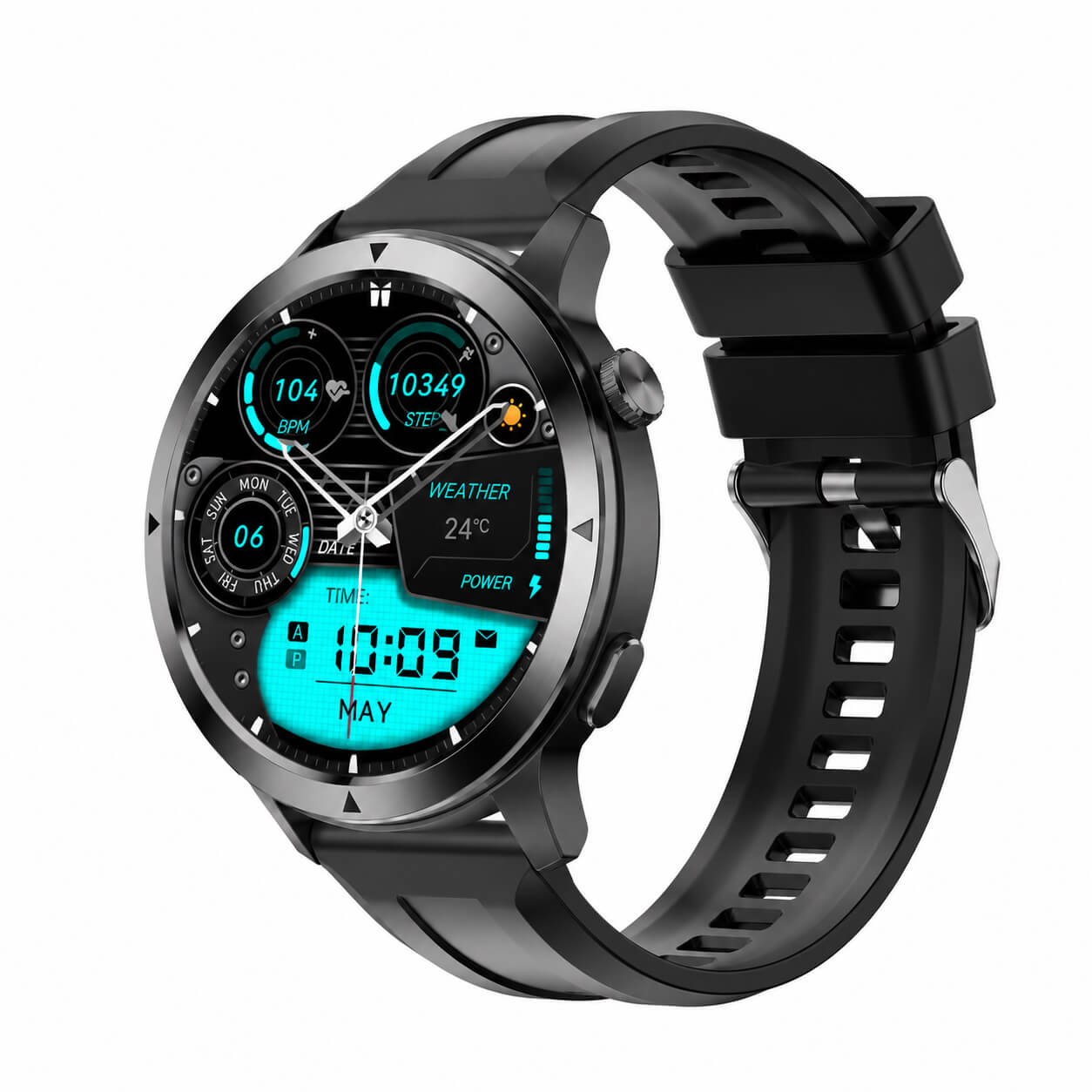
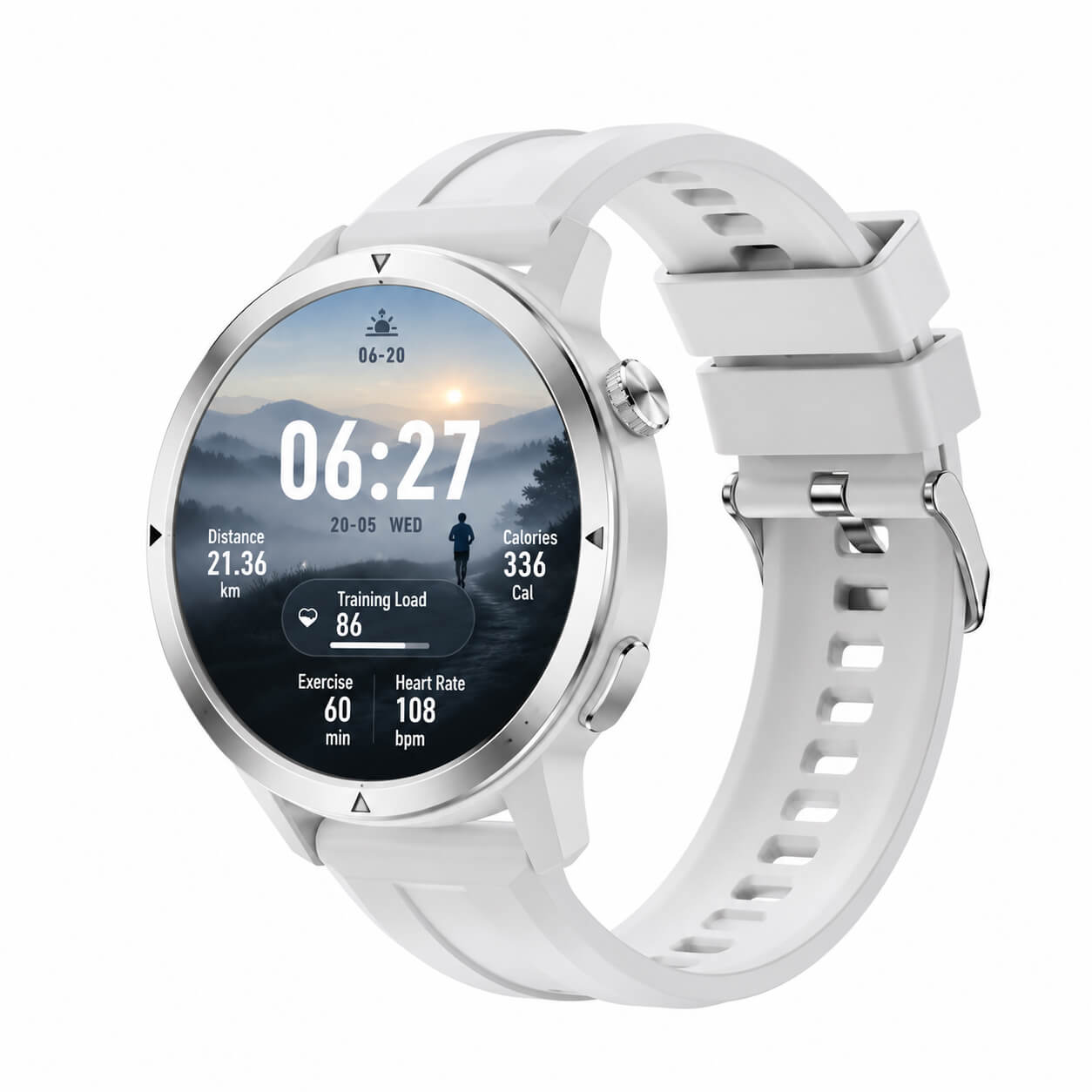
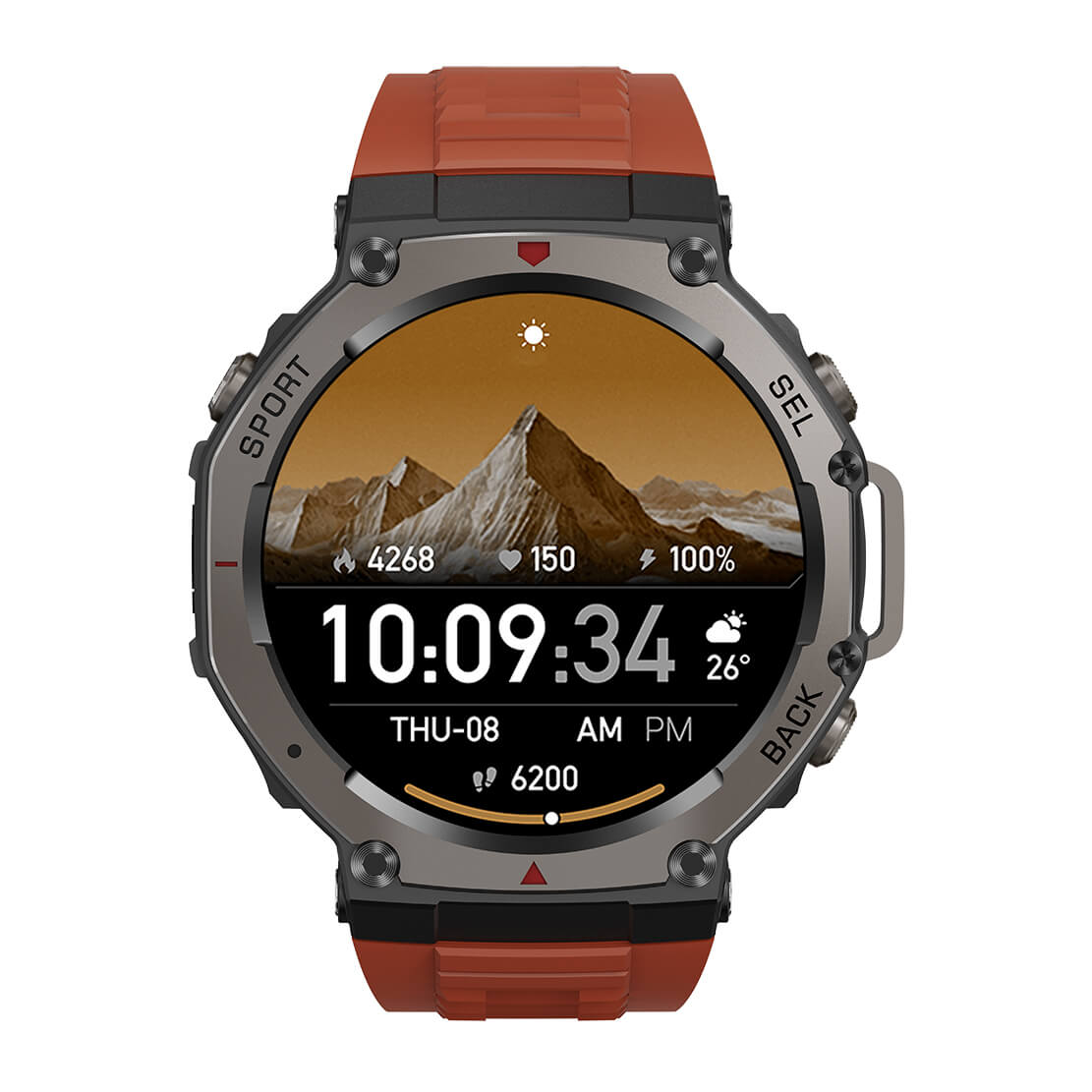
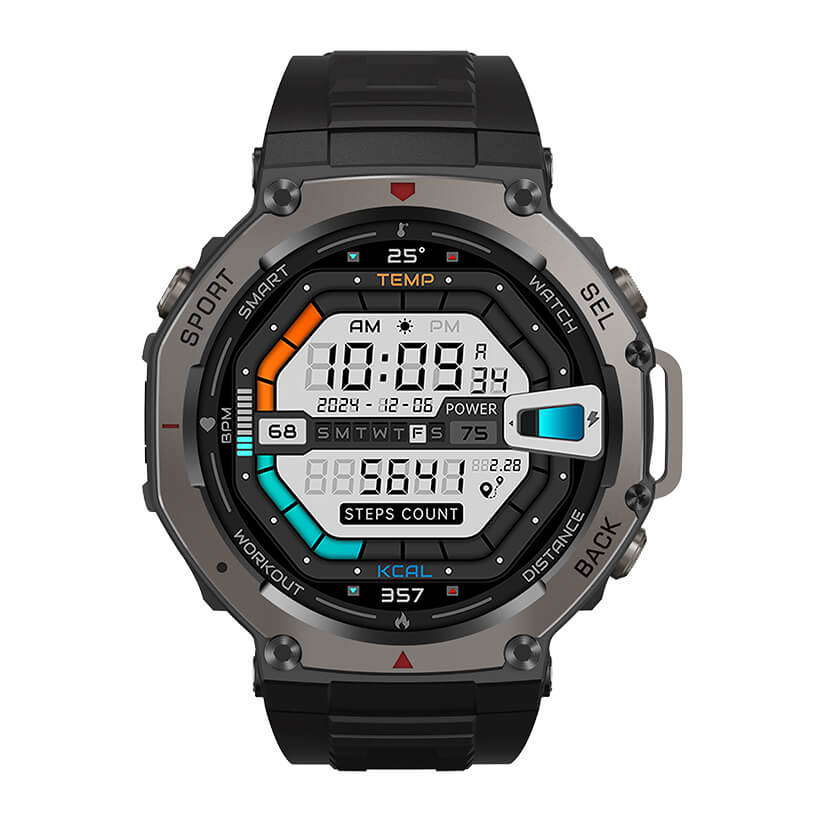
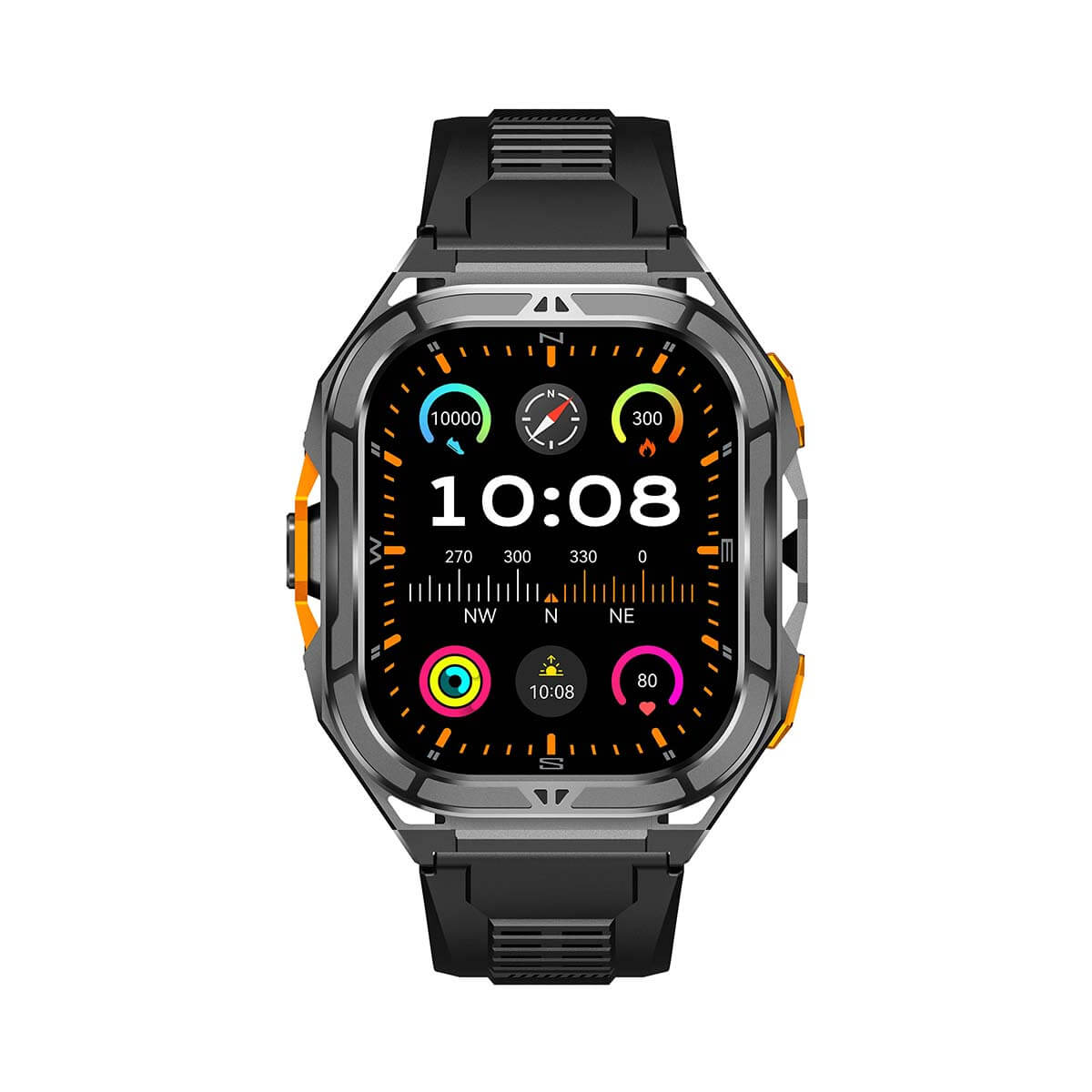
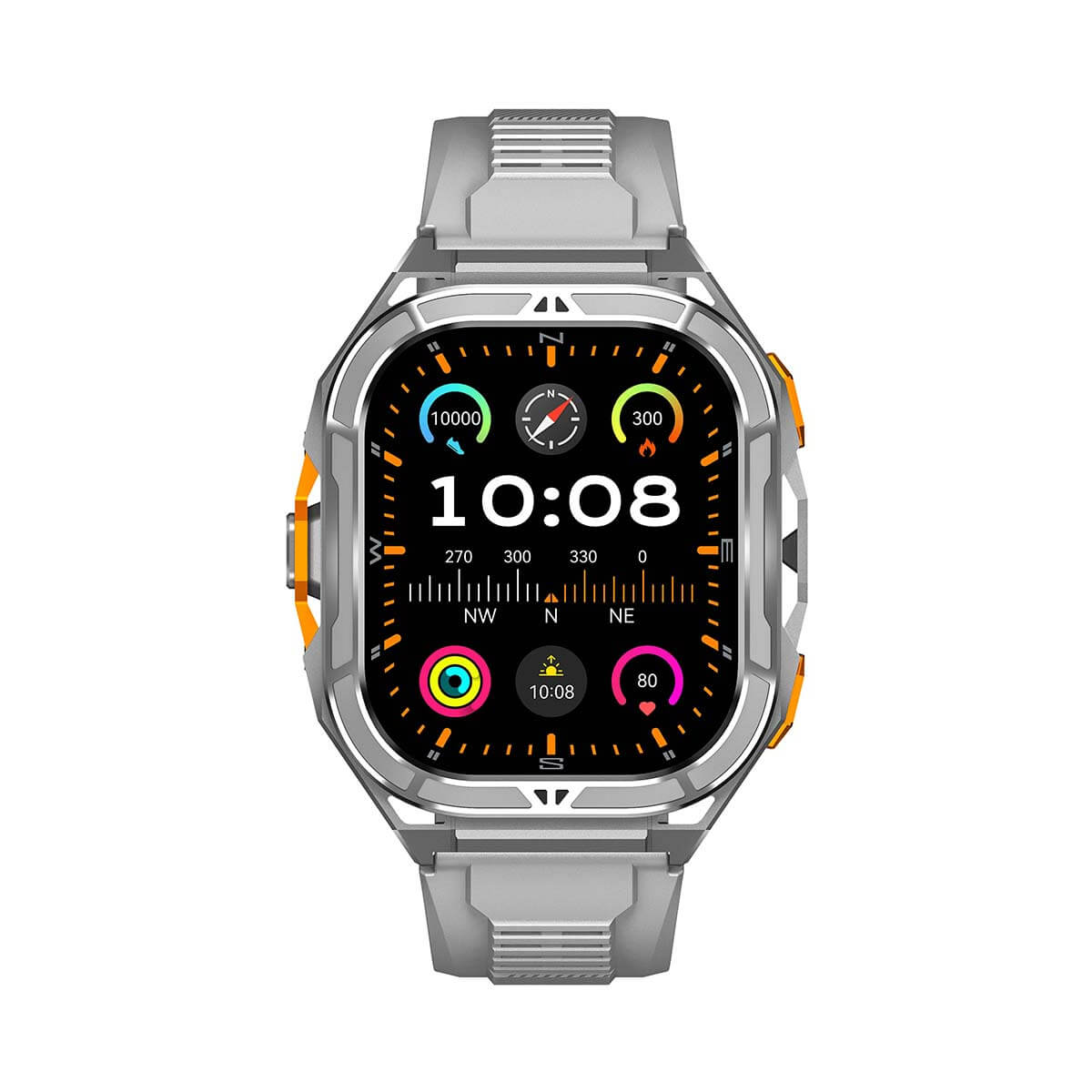
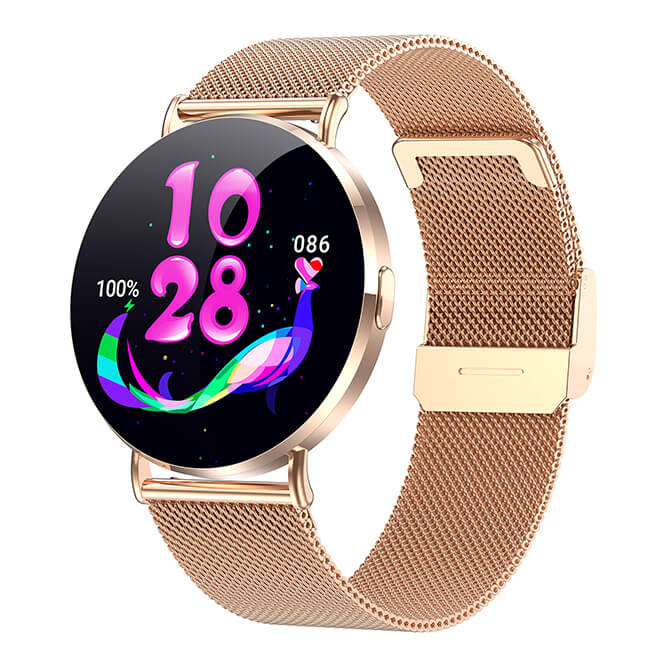










The companion app for the Aegis D6 Ultra is Gband. Aegis states that the watch is compatible with iOS 10.0 or later and Android 5.0 or later. Check the current app-store requirements too, because app updates and individual phone settings may affect installation and use.
The steps below are a preparation and verification checklist. Exact screens can change between app versions; use the supplied D6 instructions for the pairing route and any Bluetooth calling setup.
Before installing the app
- Charge the watch and phone so setup is not interrupted.
- Check the operating-system version in your phone's settings.
- Keep Bluetooth available and place the watch near the phone.
- Have the watch instructions or its app-download QR code available.
Use the download destination provided in the product instructions and verify that it identifies Gband. If several similarly named apps appear, ask Aegis support to confirm the correct listing. Do not install an unknown package simply because it mentions the watch.
Make the first connection
Open the correct app and follow the D6 pairing instructions. Complete any required pairing confirmation on both devices. Do not assume that a device shown in the phone's Bluetooth list is fully connected for every feature.
Health-record synchronisation, notifications and telephone calls may have different requirements. Read each permission prompt in context. Enable the permissions needed for the functions you choose, rather than assuming all prompts are interchangeable.
Check the functions you intend to use
Records
After taking a measurement as instructed, confirm whether the expected record appears in Gband. Check the date and time as well as the value. If it does not appear, review connection and synchronisation instructions before assuming it has been saved.
Notifications
If you want message alerts, check the relevant phone notification permissions and the instructions for the app. A phone's background restrictions or notification settings may affect delivery. Do not change unrelated privacy settings to troubleshoot one alert.
Calling and SOS
The D6 Ultra needs a Bluetooth-connected phone to place calls. Aegis confirms up to five SOS contacts, called in the configured order; an unanswered call advances to the next contact. A suspected-fall alert uses a 10-second countdown.
Confirm the contact numbers and agreed availability. Follow the manual or support guidance for a controlled calling check and tell contacts beforehand. Never use a real fall as a setup test.
Read our D6 Ultra SOS phone requirements and contact sequence guide when agreeing the calling plan with family.
If the watch will not connect
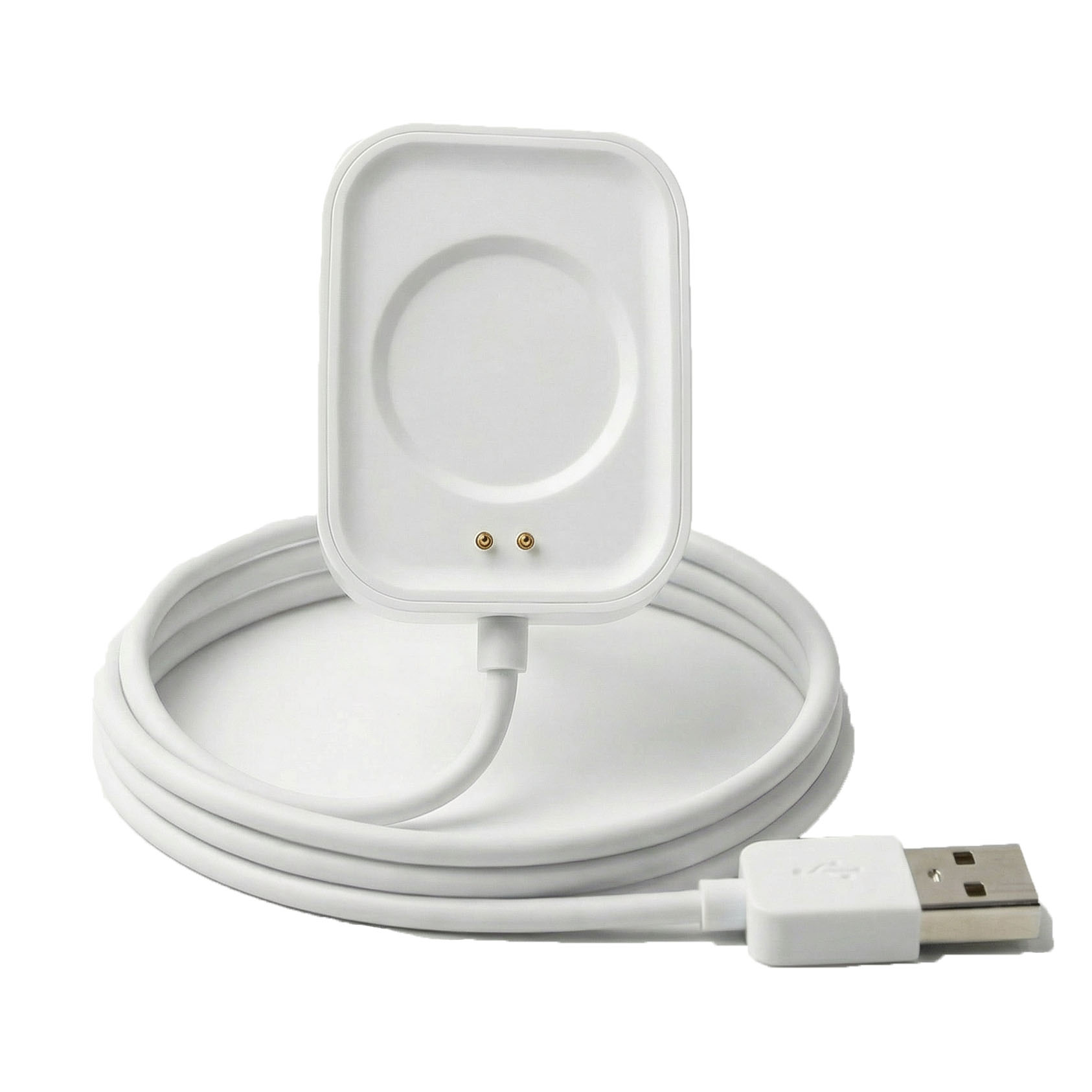
First identify the problem: installation, pairing, synchronisation, notifications or calling. Record which step failed and any exact on-screen message. Check that the watch has power, is close to the phone and is not still connected to another phone.
Review the current instructions before removing a pairing or resetting equipment. A factory reset may erase records and settings. If support is needed, provide the phone model, system version, Gband version and watch details; redact personal health information from screenshots unless it is necessary.
Before changing phones
Check how the current app handles account access and records before disconnecting the old phone. Do not assume historical data will transfer automatically. Recheck SOS contacts and calling after the new connection is complete.
See the D6 Ultra product information and contact Aegis support for help with the supplied instructions.
Product compatibility confirmed with Aegis on 1 November 2026. This guide does not claim every phone or future software version has been individually tested.